






Voir toutes les actualités












Redline Nova Elite 16
From: 15100 €
Equipped with a large workspace and a front/rear pass-through table, the Redline Nova Elite 16 CO₂ laser allows you to cut, engrave, or mark large parts in a single operation.
Its glass tube combines cutting speed with engraving quality, meeting the requirements of numerous industrial and artistic sectors.
More affordable than metal tubes, glass tubes offer an excellent price-to-performance ratio, ideal for SMEs and artisans. Furthermore, their replacement is relatively simple, making maintenance accessible and economical.
Number of colours:
Une couleur
Shape:
Forme relativement plane
Forme cylindrique
Quantity:
Single
Series
Materials:
Discover...
Technical sheet
The Redline Nova Elite 16 laser engraving and cutting machine, equipped with a large work bed and front/rear pass-through doors, reduces processing time and improves operational efficiency, especially for large production runs or bulky projects.
– Laser source: glass tube ensuring excellent performance in precision cutting and engraving.
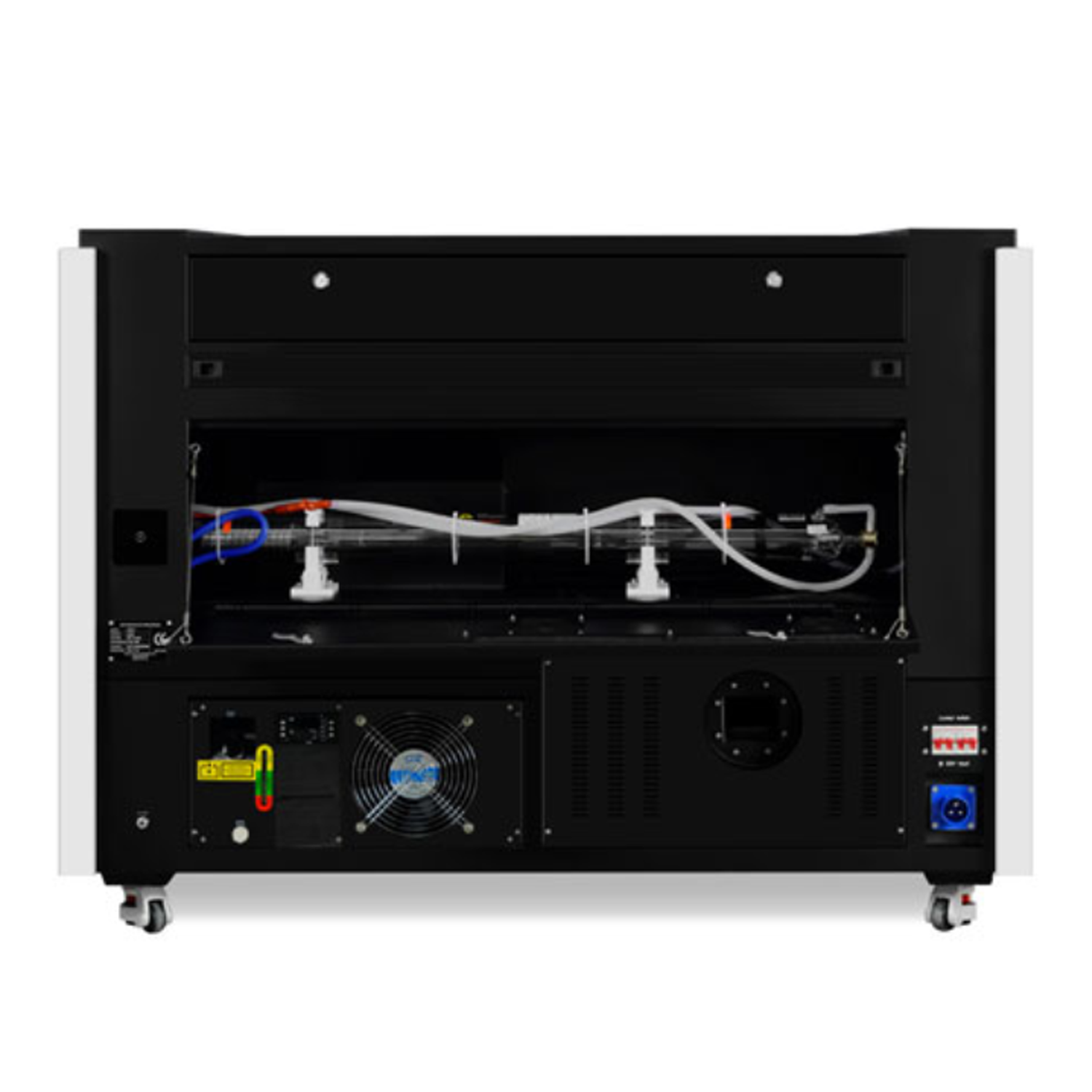
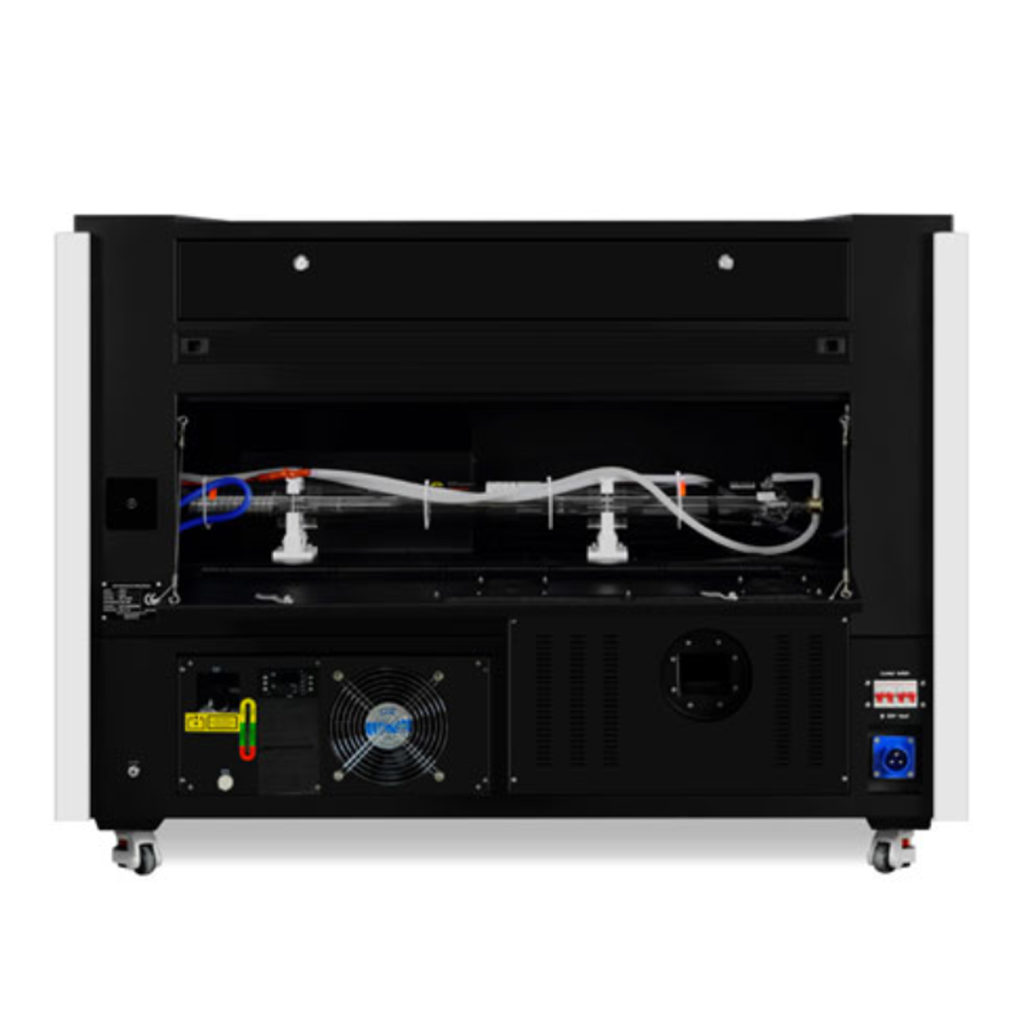
– Integrated water chiller, exhaust turbine, and air pump.
– Engraving speed up to 1200 mm/sec.
– Robust and secure, with a steel frame capable of supporting up to 120 kg on the work bed.
– Front/rear pass-through doors for processing very large materials.
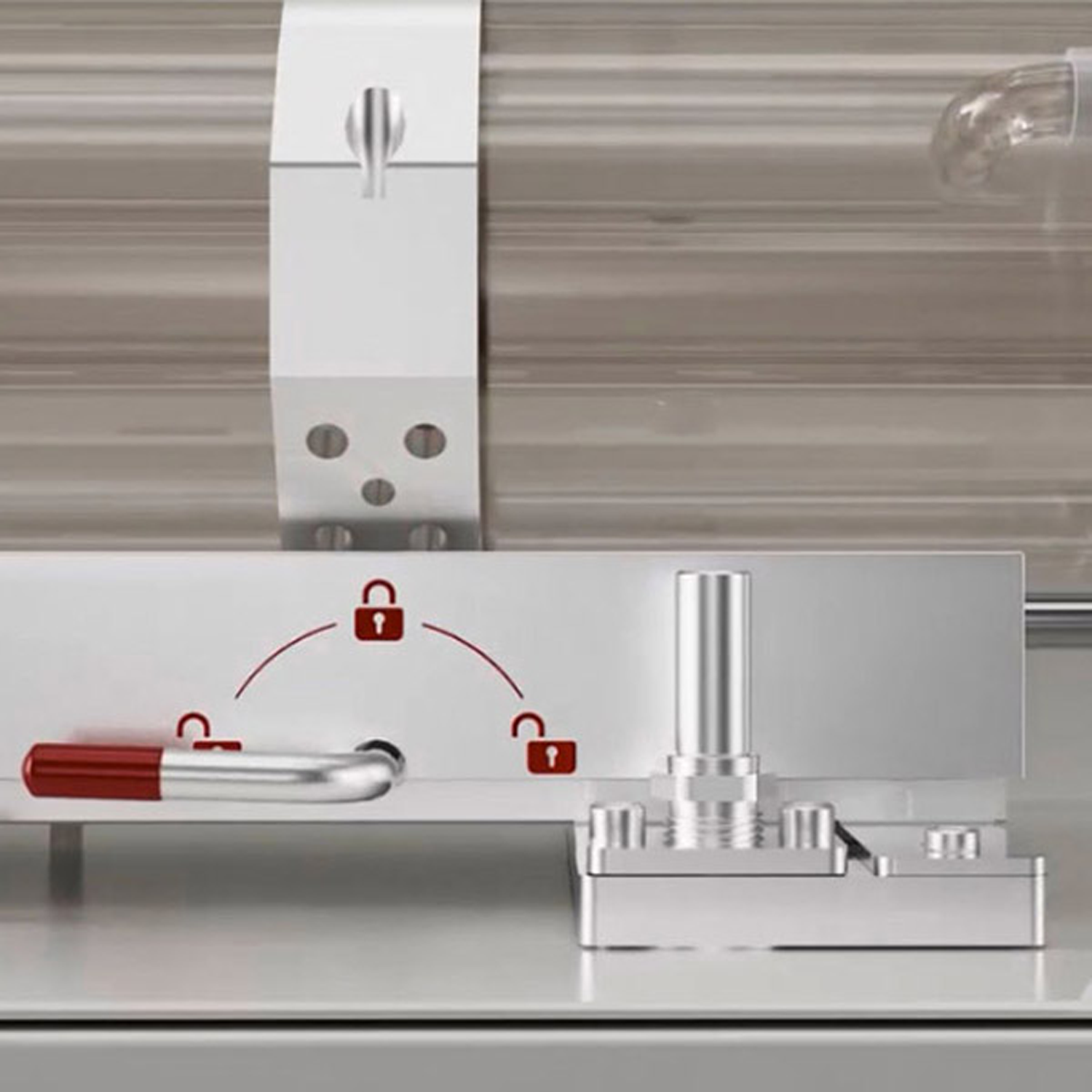
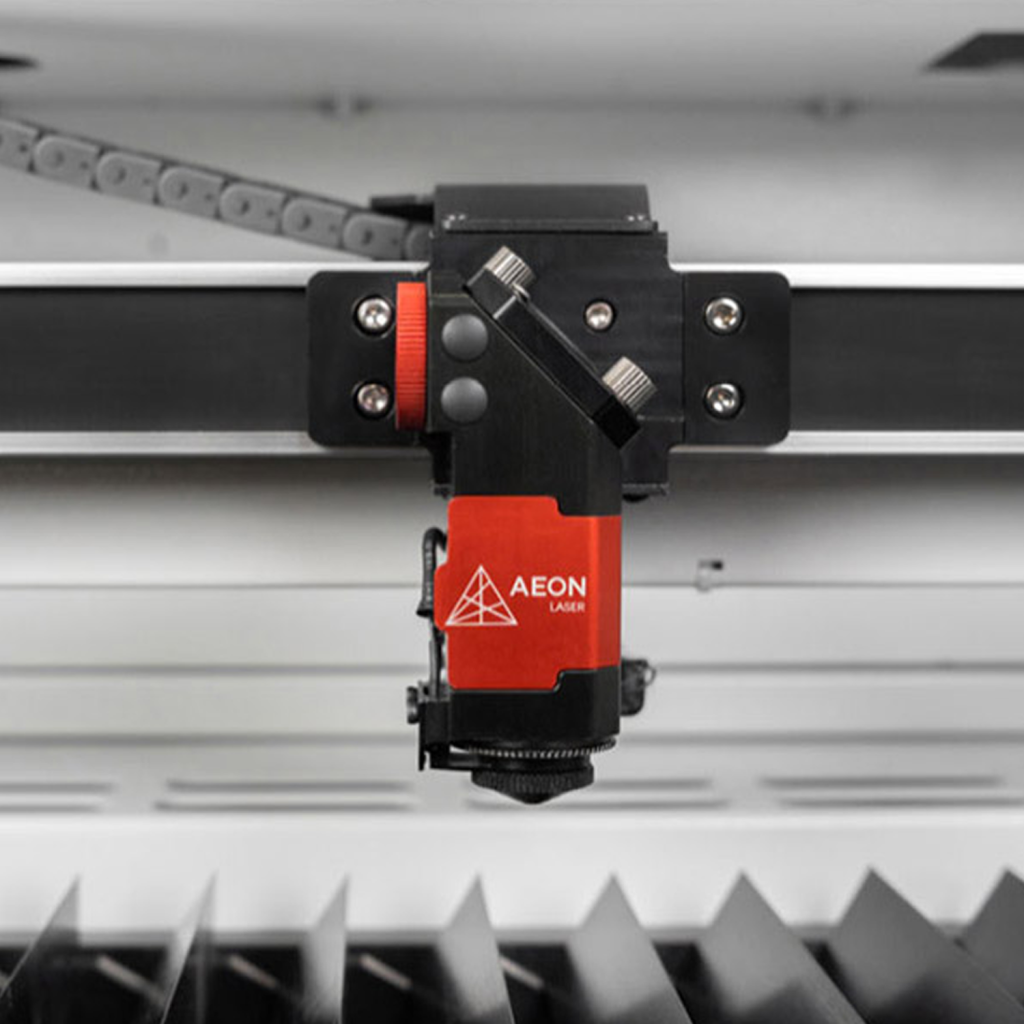
– Clean pack technology for cleaning optics and guide rails, reducing maintenance costs.
– Unique and fast detection and diagnostic system that monitors machine operation with easy access via the control panel: management of optic temperatures, chiller, and air pressure.
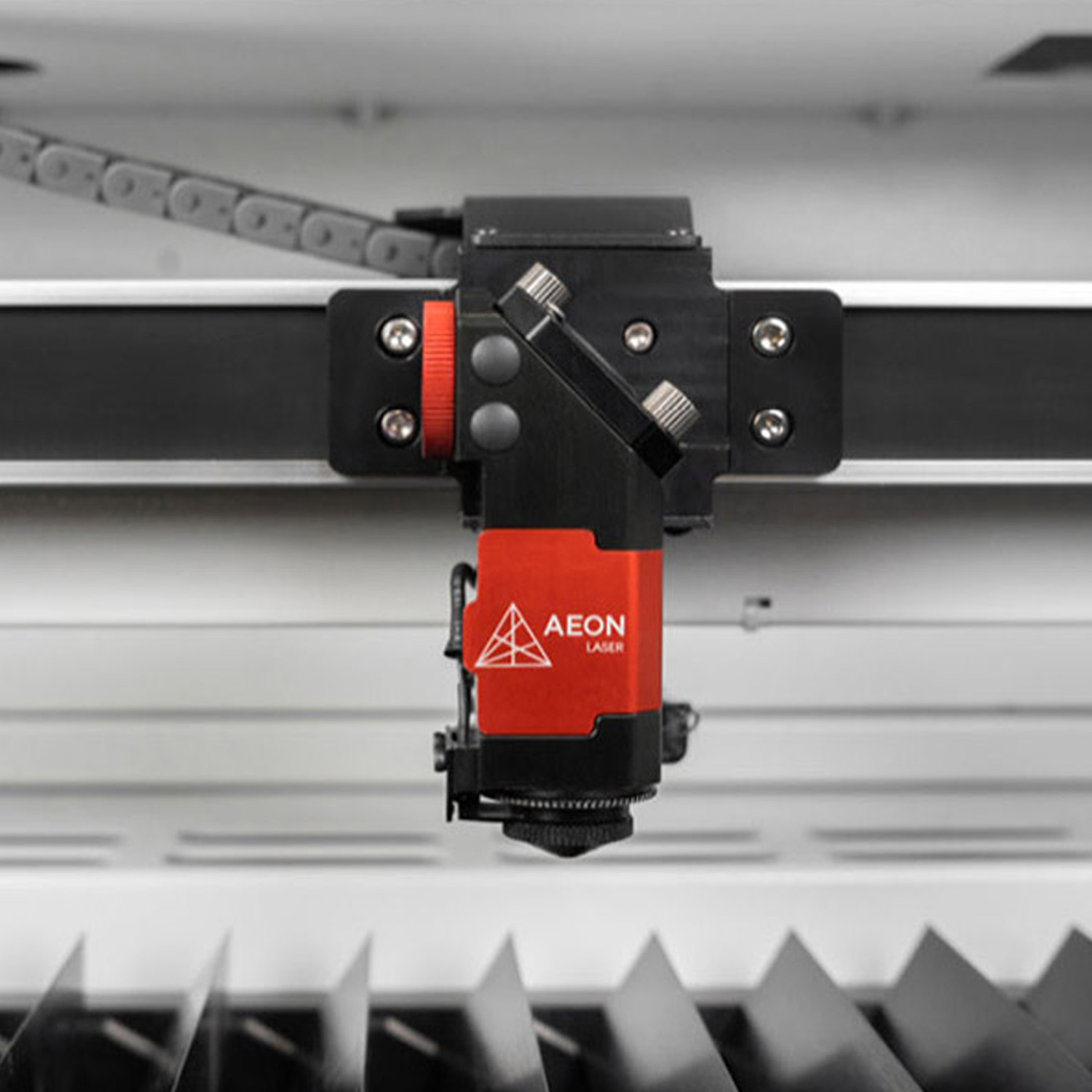
– Autofocus included.
– Ruida controller with simplified keyboard access.
– Dual air assist system allowing for selection of airflows optimized for engraving or cutting.
– Active airflow to remove fumes and prevent dust accumulation on the material.
– Engraving waste collection drawer to prevent fire hazards.
– 2 work tables: adjustable blades and honeycomb, adapted for engraving and cutting.
– Rolling stand with locks to ensure machine stability.
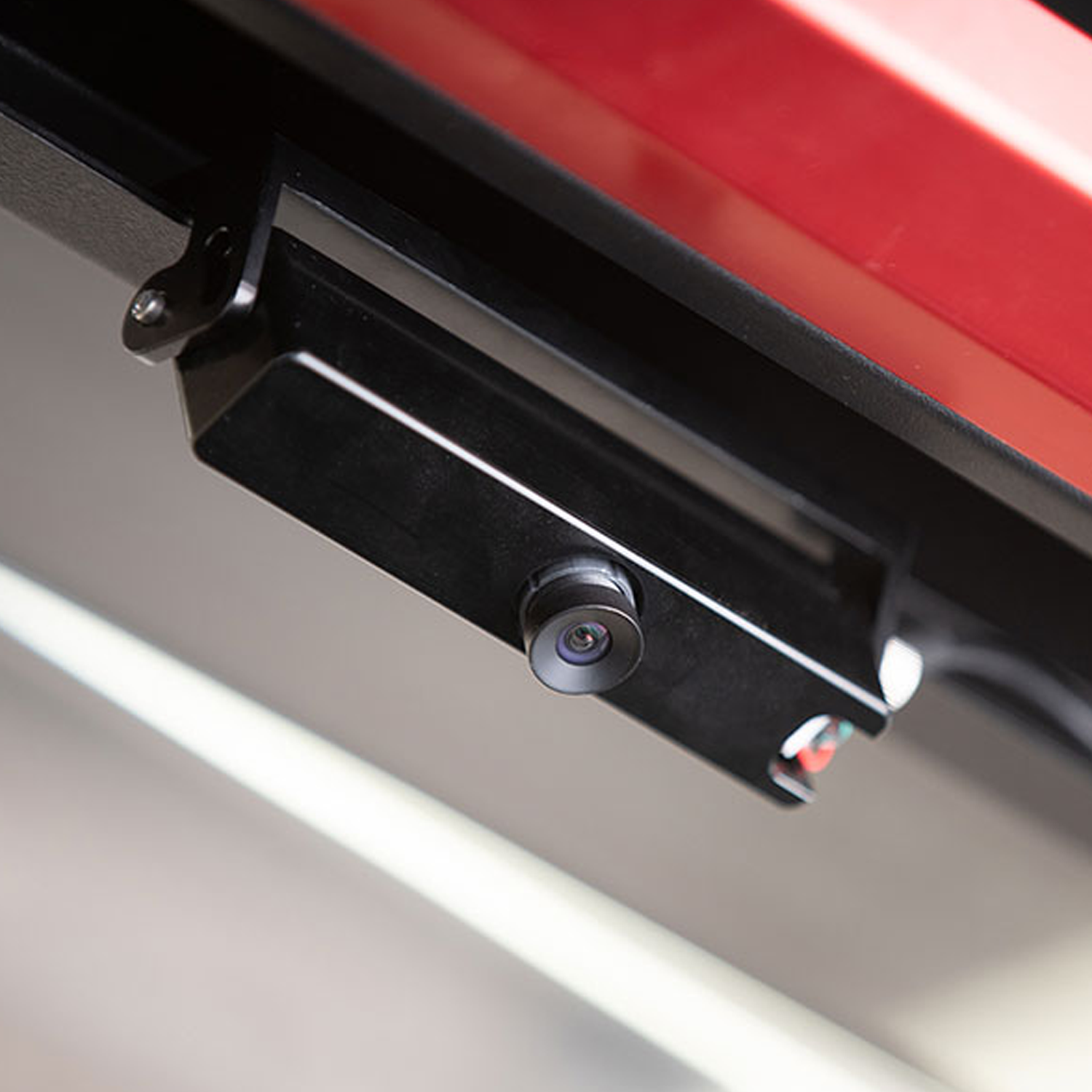
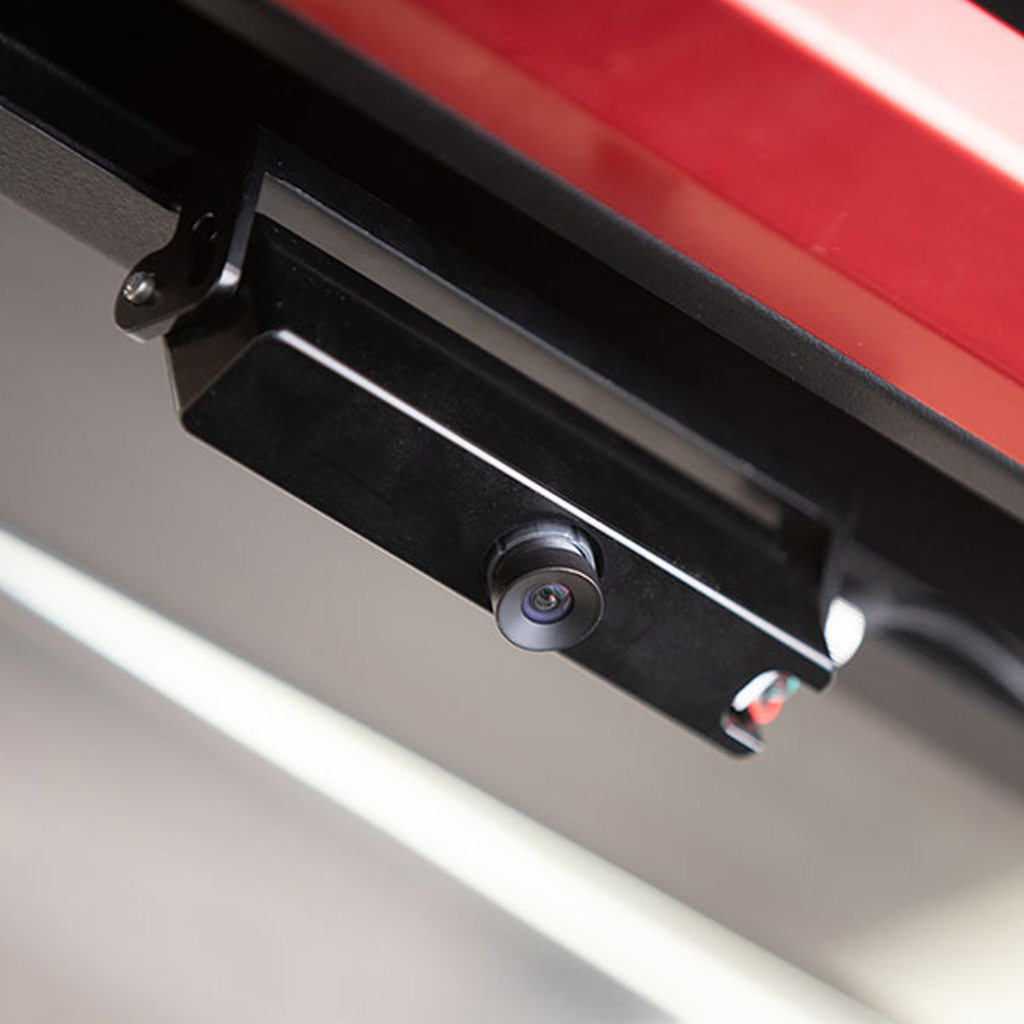
– Lightburn CCD camera, which allows real-time visualization of cutting and engraving work, ensuring greater precision and more effective process control.
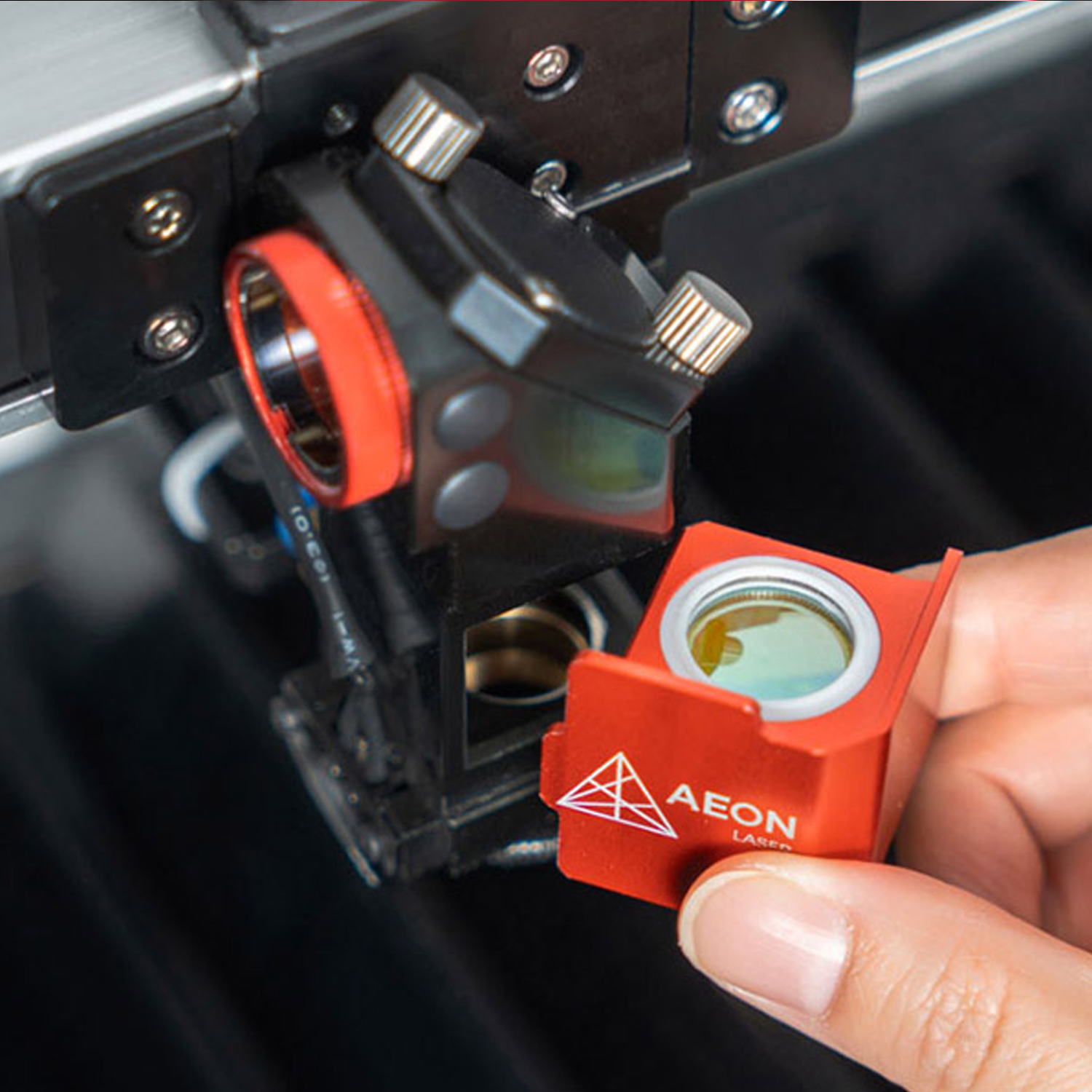
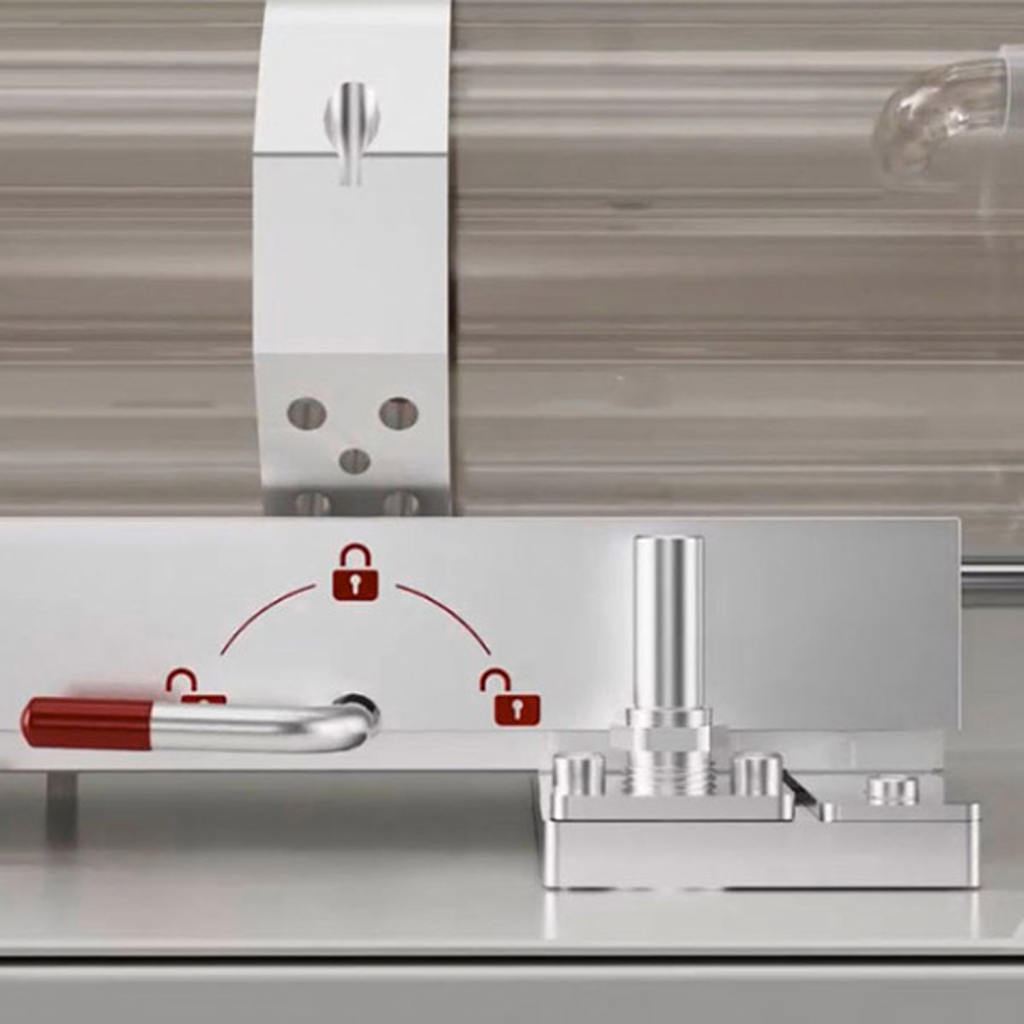
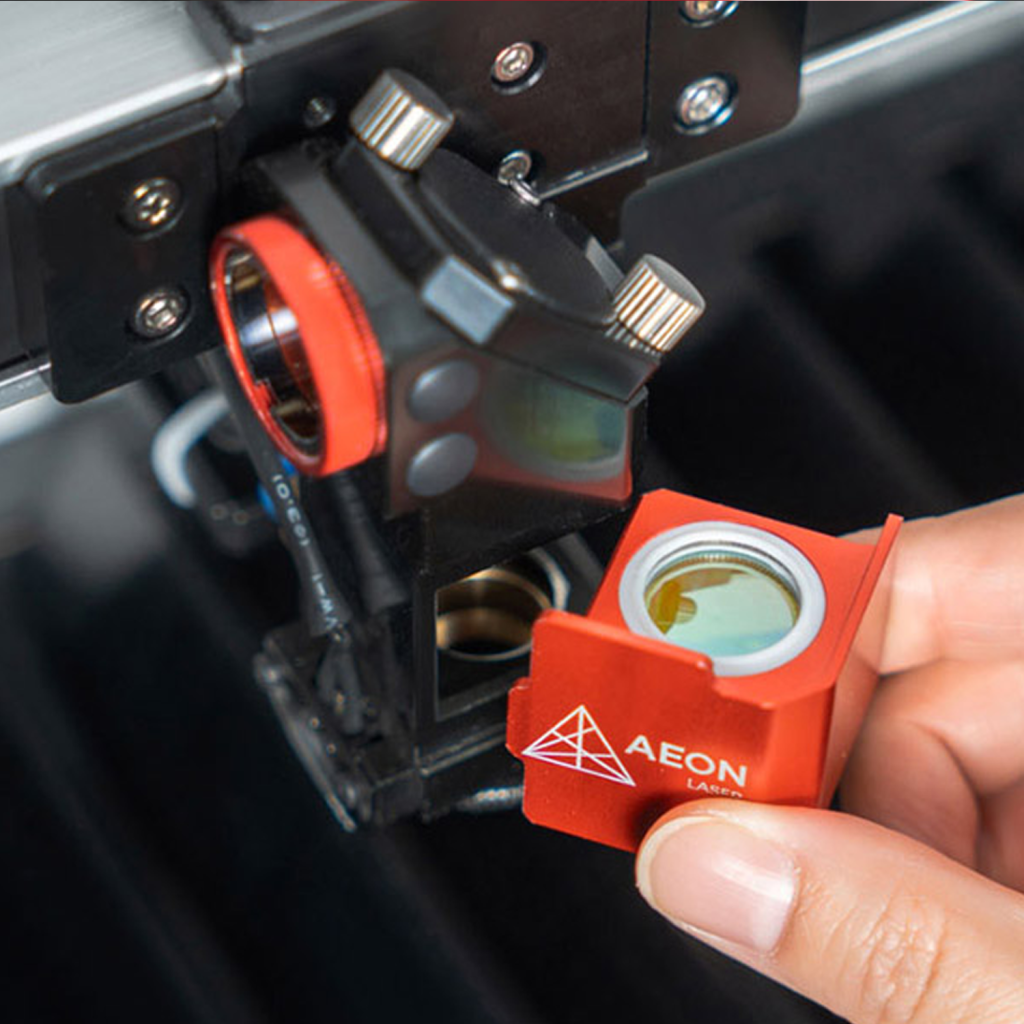
– Alignment procedure reduced by 90%, facilitating the replacement of optical elements (laser tube, mirror, lens) without needing to realign the laser, thus guaranteeing quick and easy maintenance.
Features:
Laser source
Premium CO2 glass tube
Available power ratings
90 W – 100 W – 130 W – 150 W
Work area
1000*1600 mm
Pass-through table
Front / Rear
Lightburn CCD camera
Included
Maximum height
From 0 mm up to 200 mm
Engraving speed
0-1200 mm/s – 5 G acceleration
Positioning precision
<=0.01 mm
Automatic autofocus
By mechanical probe
Red dot pointer
Yes
Cooling
S&A 5200 vapor compression water chiller
Air assist
40 L air compressor
Exhaust fan
500 W centrifugal fan for dust and fume extraction to the outside
Work tables
Honeycomb + adjustable blades
Interface
USB and Ethernet
USB drive
Wifi
Provided engraving software
LightBurn – RDWorks
Supported document formats
AI – PDF – SC – DXF – HPGL – PLT – RD – SCPRO2 – SVG – LBRN – BMP – JPG – JPEG – PNG – GIF – TIF – TIFF – TGA
Input voltage
220 V AC single-phase
Machine dimensions
1510*2100*1025 mm
Machine weight
620 kg
Packaging size
1610*2200*1125 mm
Machine weight with packaging
710 kg
Compatible software
CorelDRAW – Photoshop – AutoCAD – Inkscape or any software capable of exporting to the supported file formats
Compatible operating systems
Windows – Mac OSX – Linux
Options
– 400 m3 / hour extractor to suck, filter, and treat dust and fumes when they cannot be exhausted to the outside
– Rotary tool for engraving cylindrical objects
– CCD camera mounted on the carriage for contour cutting via registration mark detection.
Safety standards
CE standard
CDRH Laser: Class 1
Red pointer: Class 2
Accessories available with this product
Examples of applications using this product
Find out what this product can be used for.

Wedding & Events

Communication & Signage

Textile, Fashion & Accessories
Jewelry & Watchmaking

Healthcare, Medical & Laboratory

Architecture & Layout

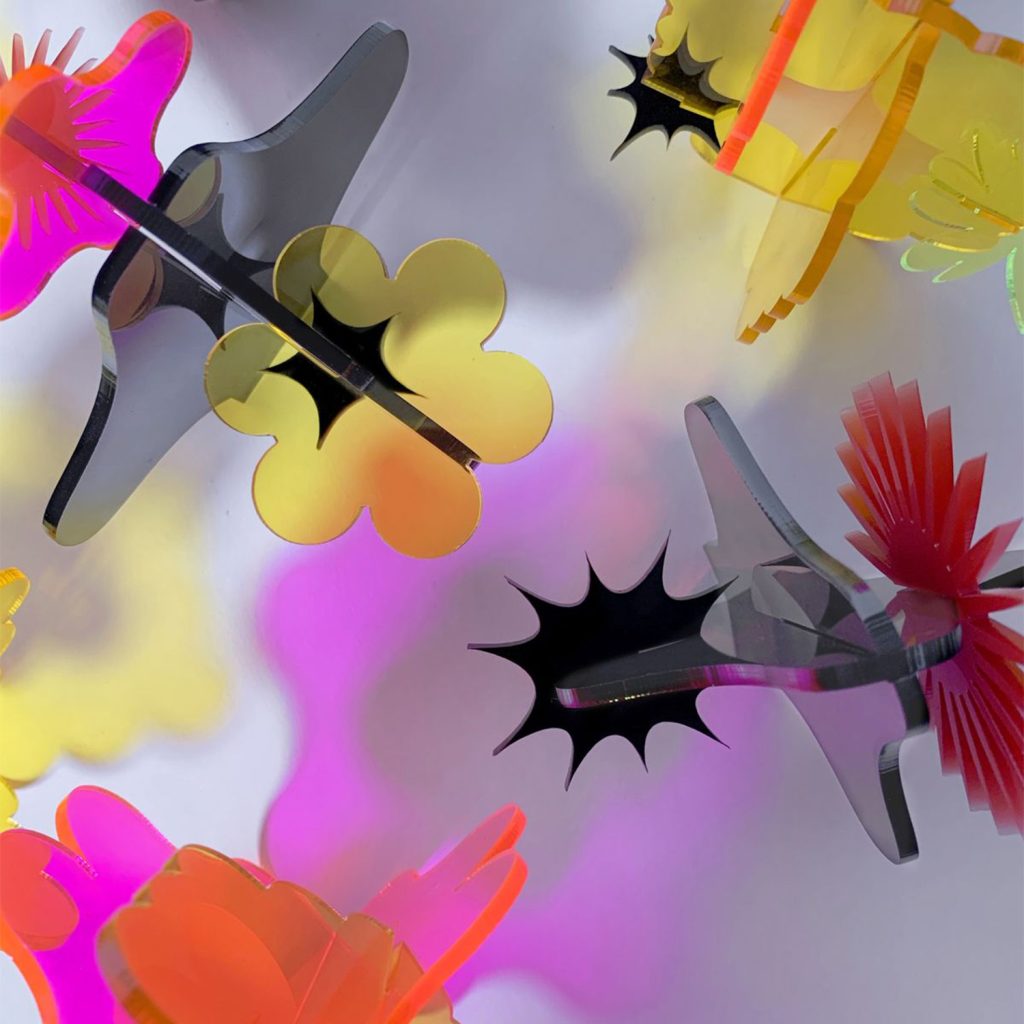
Art, Craft & Creation

Automotive, Military & Aeronautics

Knives & Weapons

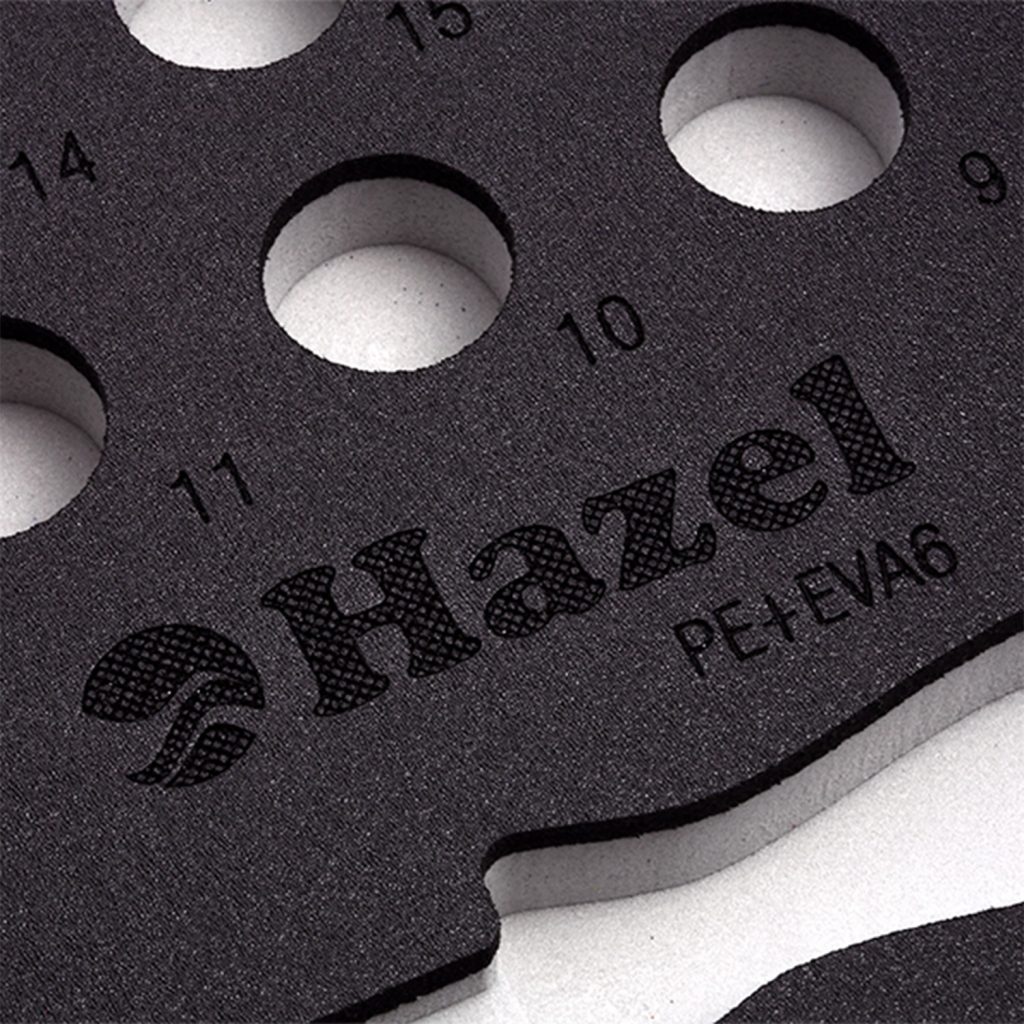
Electronics & Technology

Funeral & Tribute

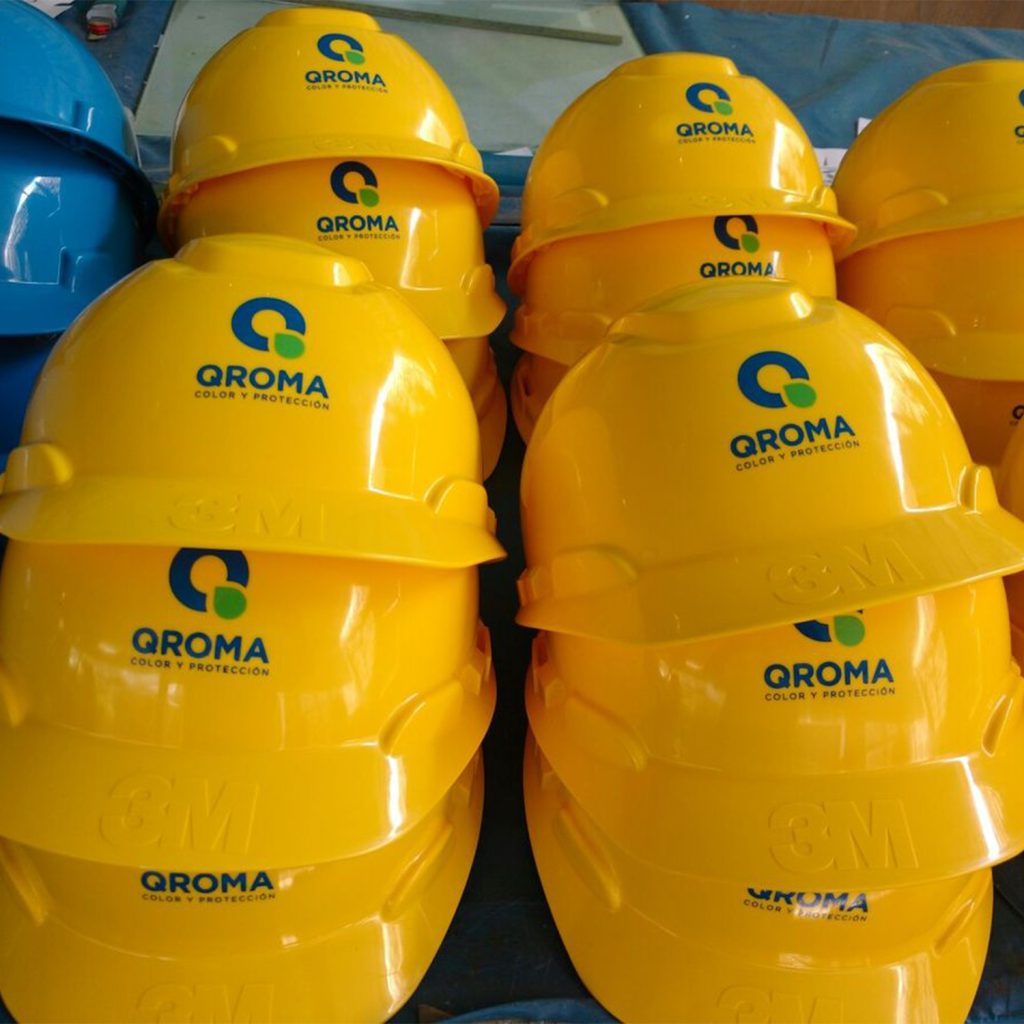
Industry, Tools & Metalworking

Home & Decoration

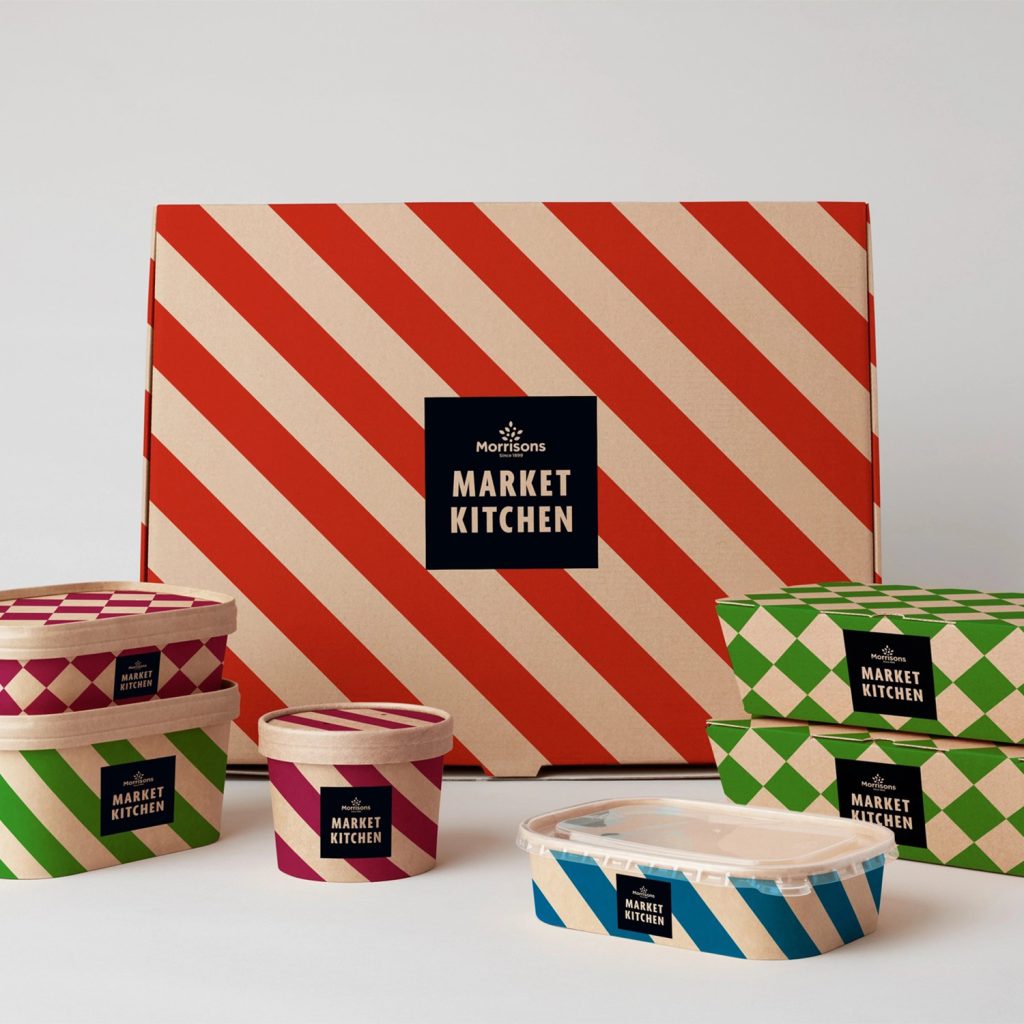
Packaging
FAQ on Redline Nova Elite 16
What is a CO2 Plotter laser?
The term CO₂ laser refers to the type of laser source used in the machine.
- The beam is generated in a hermetic tube containing a CO₂-based gas mixture.
- Through a gas excitation process, this medium produces monochromatic light (a single wavelength) forming a laser beam at 10.6 microns.
- This wavelength is particularly suited for engraving and cutting operations on various materials.
The term “Plotter” refers to the laser beam’s movement system.
- The beam is guided by a set of mobile mirrors along two axes:
- X : left / right movement
- Y : front / back movement
- This principle allows for covering large working surfaces, limited only by the machine’s mechanical dimensions.
What is the benefit of CO2 laser marking or engraving?
CO₂ laser marking or engraving depends on the energy delivered to the material, i.e., the applied power.r
Depending on this parameter, the beam penetrates more or less deeply into the material (with the exception of certain specific materials).r
This process offers several advantages:
r
r
- r
- Durable and unalterable marking: the result withstands time without fading or peeling off.
- Adjustable engraving: the marking depth can be adjusted according to the applied power and the desired finish.
- Economical process: no tooling wear and reduced consumable costs.
- Environmentally friendly: requires no ink, solvent, or chemical products.
- Quick setup: limited preparation and simplified production changeovers.
- High precision: allows for the reproduction of fine details, texts, logos, and complex visuals.
t
r
t
r
t
r
t
r
t
r
t
r
What materials can be engraved or marked with a CO2 laser?
With a CO₂ laser, it is possible to engrave or mark a wide variety of materials depending on their properties and the energy level applied.
r
Compatible materials for engraving:
r
r
- r
- Rubber
- Polyester
- Polystyrene
- Wood : solid wood, plywood, MDF, veneers
- PMMA (acrylic)
- Paper and cardboard
- Leather and certain compatible textiles
- Stone : marble, slate, granite…
- Glass
- Ceramic
- Food products : chocolate, sugared almonds and certain food decoration products
t
r
t
r
t
r
t
r
t
r
t
r
t
r
t
r
t
r
t
r
t
r
r
Marking on metals (specific cases):
r
r
- r
- Lacquered or coated surfaces
- Aluminum
- Steel
- Brass
t
r
t
r
t
r
t
r
r
In certain specific cases, the cutting mode can be used to perform marking on certain compatible metals.
r
Usage limitations:
r
r
- r
- Polished or highly reflective metals should not be engraved or marked with a standard CO₂ laser.
- Certain materials may require specific settings or a suitable extraction system.
t
r
t
r
What materials can be cut with a CO2 laser?
Thanks to its precision and its ability to concentrate energy on a very fine area, the CO₂ laser allows for clean and fast cutting of a large number of materials.
Compatible Materials:
- Abs
- Acrylic: Pmma, Plexiglas, Polymethyl methacrylate
- Rubber
- Wood
- Raw wood (thin thicknesses)
- MDF / Medium (avoid thicknesses >6mm which produce a very burnt finish and emit a lot of smoke) -Do not use solid-dyed MDF
- Plywood
- Polyamide / PA / Nylon
- Polybutylene terephthalate (PTB)
- Polyoxymethylene / POM / Delrin
- Polyester / PES / Thermolite / Polarguard
- Polyethylene terephthalate / PET / Mylar
- Polyimide / PI / Kapton
- Polystyrene / PS
- Polypropylene / PP
- Rhodoid / Overhead projector transparency film
- PVC-free foams
- Polyester / PES
- Polyethylene / PE
- Polyurethane / PUR
- Neoprene – Catches fire easily
- Fabrics (felt, hemp, cotton, acrylic, nylon)
- Leather
- Paper
- Cardboard, wood-based board
- Foam board (cardboard+PU foam) – Styrofoam board (cardboard+Expanded Polystyrene) cuts much less effectively
- Natural, synthetic rubbers (only if they do not contain chlorine) – Warning: generates a lot of soot and heavily clogs machines.
However, some materials cannot be cut by this process: they may melt, emit dangerous gases, or require power beyond the capabilities of the machines used
Materials that cannot be laser cut:
- Reflective materials: mirrors, chrome-plated objects, polished metals, … (Mirrors can only be engraved with the reflective side facing the machine’s bed)
- Most metals; however, the cutting mode can be used to mark certain metals
- Fiberglass
- Printed circuit board (Fiberglass + epoxy)
- Carbon fiber
- All materials containing chlorine, PVC, vinyl, Forbidden use, risk of fatal chlorinated gas emission
- All materials containing fluorine: Teflon / Polytetrafluoroethylene / PTFE… Forbidden use, risk of fluorine gas emission
- Glass
- Reflective materials (mirror, polished metals, chrome, …) – The use of reflective materials could severely damage the machine
- Solid-dyed Valchromat MDF – Catches fire
- Polycarbonate / PC / Lexan / Makrolon: melts and burns
- Expanded/extruded polystyrene (foam): melts and burns
- Composite and/or non-homogeneous materials are generally difficult to cut cleanly with a laser
What are the differences between RF tube / glass tube?
The choice between an RF (Radio Frequency) tube and a glass tube primarily depends on the desired level of performance, working speed, and budget.r
Glass Tube:
r
r
- r
- CO₂ laser source using a glass tube, generally cooled by water circulation.
- Economical solution for standard engraving and cutting applications.
- High available powers allowing good cutting capacities.
- Slower response time during power variations.
- Suitable for large formats and productions not requiring extreme speeds.
- Generally lower replacement cost.
t
r
t
r
t
r
t
r
t
r
t
r
r
RF (Radio Frequency) Tube:
r
r
- r
- CO₂ laser source using metallic technology excited by radiofrequency.
- Finer and more stable beam for more precise engravings.
- Extremely fast response to power variations.
- Allows for higher engraving speeds.
- Generally longer lifespan and reduced maintenance.
- Ideal for fine marking, complex details, and intensive industrial applications.
t
r
t
r
t
r
t
r
t
r
t
r
Is a laser difficult to use?
The laser is equipment that is simple to get started with and particularly intuitive to use.
The operator prepares their design using the software of their choice (CorelDRAW, Illustrator, Inkscape, AutoCAD, SolidWorks, etc.), then assigns the appropriate parameters to the visual elements for the desired result: speed, power, and potentially frequency depending on the application (engraving, marking, cutting, kiss-cutting…). The file is then sent directly to the machine.
Settings naturally depend on the material used. To facilitate getting started, a parameter database covering a wide variety of materials is provided to quickly achieve reliable results.
To ensure quick adoption and optimal use, all our lasers include:
- Installation and operator training on usage and settings provided according to the models: on-site, via videoconference, or directly at our premises.
- Start-up support for your first productions.
- Dedicated technical service for monitoring your equipment.
- Assistance hotline in case of questions or need for support.
- Technical FAQs available to answer common questions.
- Complete documentation in French available on our website.
Is using a laser dangerous?
Our lasers are designed for safe use and present no danger to the operator under normal use and according to instructions.r
The lasers are classified according to different safety levels:r
r
- r
- Class 1r
t- r
- r
- Lasers safe during normal operation.r
t - Direct exposure to the beam remains risk-free, including when using optical observation devices.r
r
r
t - Class 2r
- r
- Lasers emitting visible radiation between 400 and 700 nm.r
t- Safe for brief exposures (up to 0.25 second).r
t- Deliberate and prolonged observation of the beam is still not recommended.r
r
r
t- Class 3r
- r
- Lasers that may exceed permitted exposure limits for direct viewing.r
t - Risk of injury generally limited but requiring specific precautions.r
t - We do not offer this type of laser.r
r
r
t- Class 4r
- r
- Lasers for which direct exposure to the beam or skin is dangerous.r
t - Some diffuse reflections may also present a risk.r
t - Potential fire hazard.r
t - Wearing appropriate protective equipment is generally necessary.r
r
r
rOur Equipment:r
r- r
- Our lasers are classified as Class 2 because they are equipped as standard with a red laser pointer used for positioning, simulation, or launching work at a precise point.r
t- This pointer has a very low power (less than 1 mW) and is considered safe under normal operating conditions.r
t- The main working beam, however, remains entirely confined within the machine during operation.r
rCompliance:r
r- r
- All our machines are CE compliant.r
t- They meet the requirements of the Machinery Directive 2006/42/EC.r
- They meet the requirements of the Machinery Directive 2006/42/EC.r
t - This pointer has a very low power (less than 1 mW) and is considered safe under normal operating conditions.r
t - Our lasers are classified as Class 2 because they are equipped as standard with a red laser pointer used for positioning, simulation, or launching work at a precise point.r
t - Class 4r
t - Safe for brief exposures (up to 0.25 second).r
t - Lasers emitting visible radiation between 400 and 700 nm.r
t - r
t
Which machines should I choose based on my application and materials?
The choice of a laser depends mainly on four criteria: budget, working area, material to be processed, and laser tube power.
Budget
The budget determines the equipment level, power, and machine format. It is essential to define the actual need in order to select a suitable and scalable solution.
Working Area
- Available formats: from 450 × 300 mm to 1600 × 1000 mm.
- The choice depends on the size of the parts to be processed.
- Most machines are equipped with a front/rear pass-through table, allowing processing of parts with almost unlimited length.
- Width remains the only real constraint.
Laser Tube Power
- Tubes from 30 W to 150 W.
- For engraving, low power is often sufficient; higher power mainly allows for increased speed.
- For cutting, the higher the power, the greater the thickness and cutting speed.
Materials
Each material imposes its own constraints (density, thickness, finish). The choice of power and settings depends directly on the application.
What are the differences between an AEON series laser and another “Chinese” laser?
In the market for “plotter” type CO2 lasers, the Aeon Laser brand (Mira, Elite, and Super Elite ranges) distinguishes itself from entry-level Chinese manufacturers by positioning itself in the Premium segment.
Its machines incorporate mechanical and optical innovations that bring them closer to the quality and performance standards of Western equipment, while maintaining competitive pricing.
Here are the concrete and verified technical advantages of Aeon compared to standard Chinese competition:
Enclosed kinematics “Clean Pack” system: On a standard Chinese laser, the rails and belts are exposed to dust and smoke, which fouls the bearings and impairs precision.
- The Aeon approach: The X and Y axes as well as the belts are fully enclosed in sealed casings.
- Performance: Thanks to this protection and the use of hybrid stepper or Servo motors, Aeon machines achieve engraving speeds of with accelerations of (compared to and for a standard chassis).
Hybrid dual-source technology (Super Elite range): This is Aeon’s major technological selling point. Conventional machines require a choice between a glass tube (DC), which is economical and powerful for cutting, or a metal tube (RF), which is ultra-fast and precise for engraving.
-
The Aeon solution: The Super Nova range integrates both sources (DC + RF) under the same hood. The firmware manages switching seamlessly in he machine uses the RF source to engrave a very fine logo, then instantly switches to the DC tube to cut through thick material.
Global “All-in-One” architecture: A traditional Chinese plotter requires a bulky installation with several floor-standing peripherals (water chiller, extractor, air compressor).
-
Aeon deployment: The Mira and Super Elite ranges incorporate all peripherals inside their chassis (including an industrial compressor chiller equivalent to the CW-5200). The footprint is kept to a minimum and all elements are synchronized by the motherboard (water flow alarm notifications on the display).
Active safety and waste extraction:
- Class 1 Safety: The machines feature a hermetic chassis with certified windows and redundant safety sensors (Lid Interlock) that instantly cut the beam when the cover is opened.
- Thermal sensors: The mirrors and the head incorporate temperature probes. If a mirror becomes dirty and overheats, the machine enters a safety mode to prevent optical damage or fire.
- Collection drawer: The bottom of the chassis is hopper-shaped to guide flammable scraps and dust directly into a removable recovery drawer.
Technical summary Aeon vs Standard Chinese:
How to distinguish engraving from cutting in my graphic file?
To distinguish engraving from cutting, simply use two different colors in your file (.SVG, .DXF or .AI formats). Your software will apply a different setting for each color:
r
For Engraving (Black or Blue)
r
r
- r
- Mode: Fill.
- Movement: The laser scans horizontally from left to right to fill the interior of your texts or logos.
r
r
r
For Cutting (Red)
r
- r
- Mode: Line / Cut.
- Movement: The laser precisely follows the continuous line at low speed and high power to cut through the material’s thickness.
r
r
r
Please note: Always run engraving first and cutting last in your software’s order. If you cut first, the piece may move, and the engraving will be misaligned.
THERMOFLAN advantages
Over 60 years of experience
Permanent stock
Best quality/price ratio
Technical availability
Demandez conseil à nos experts
Comment pouvons-nous vous aider ?