





Voir toutes les actualités

UV 2513 GH
From: 55175 €
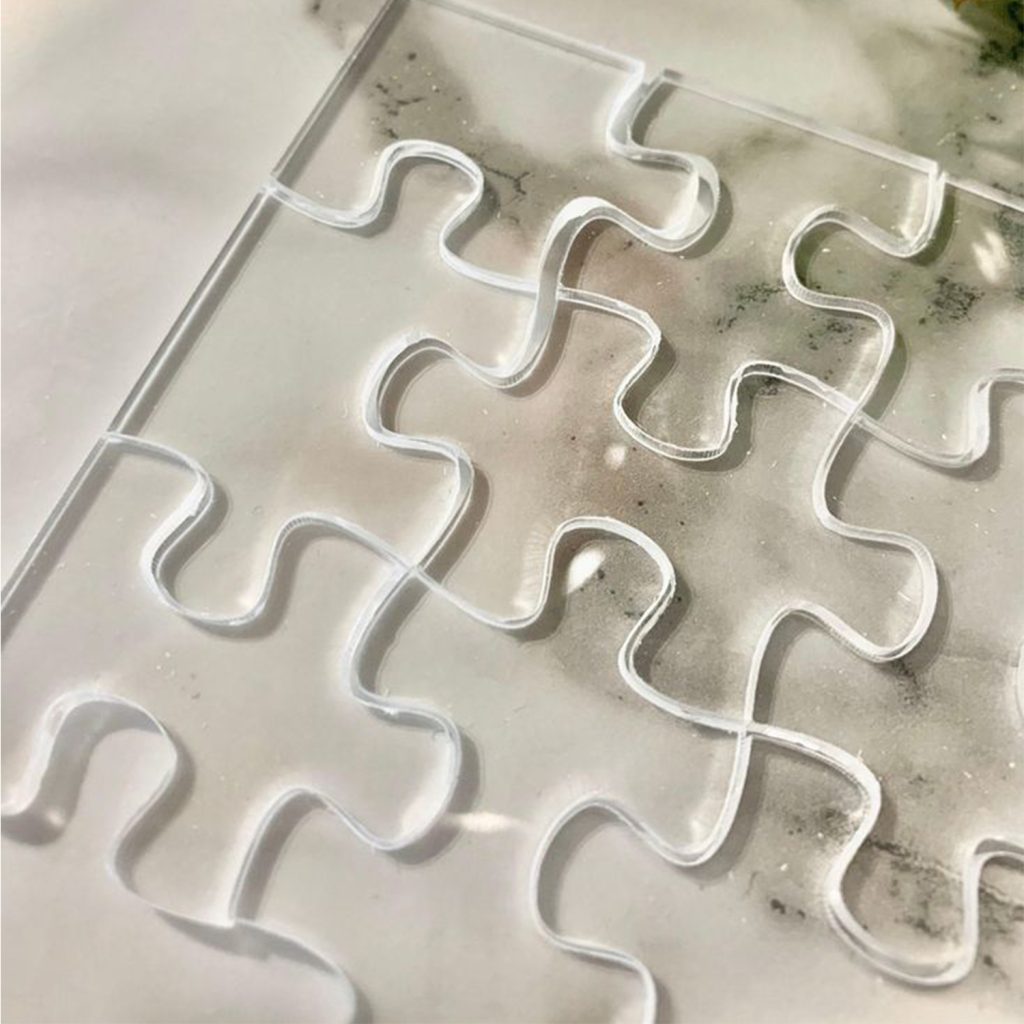
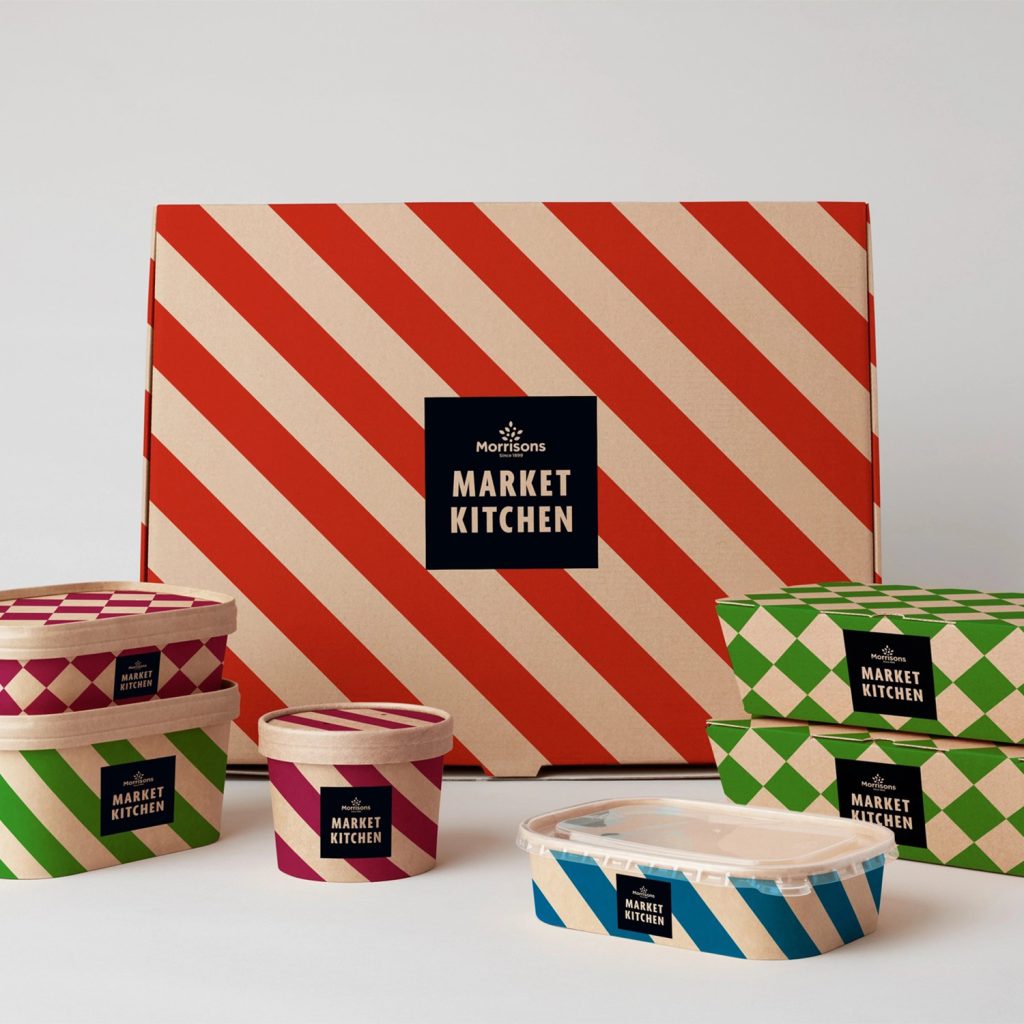
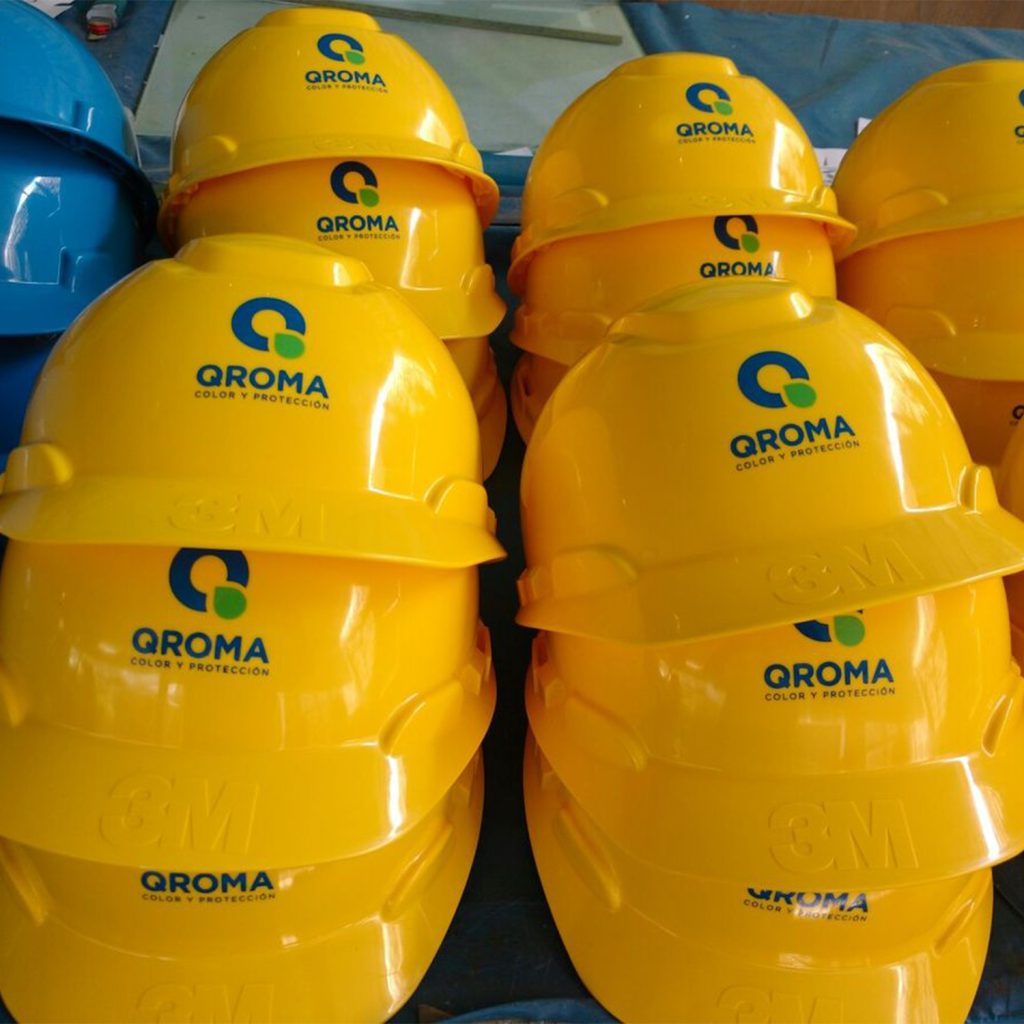
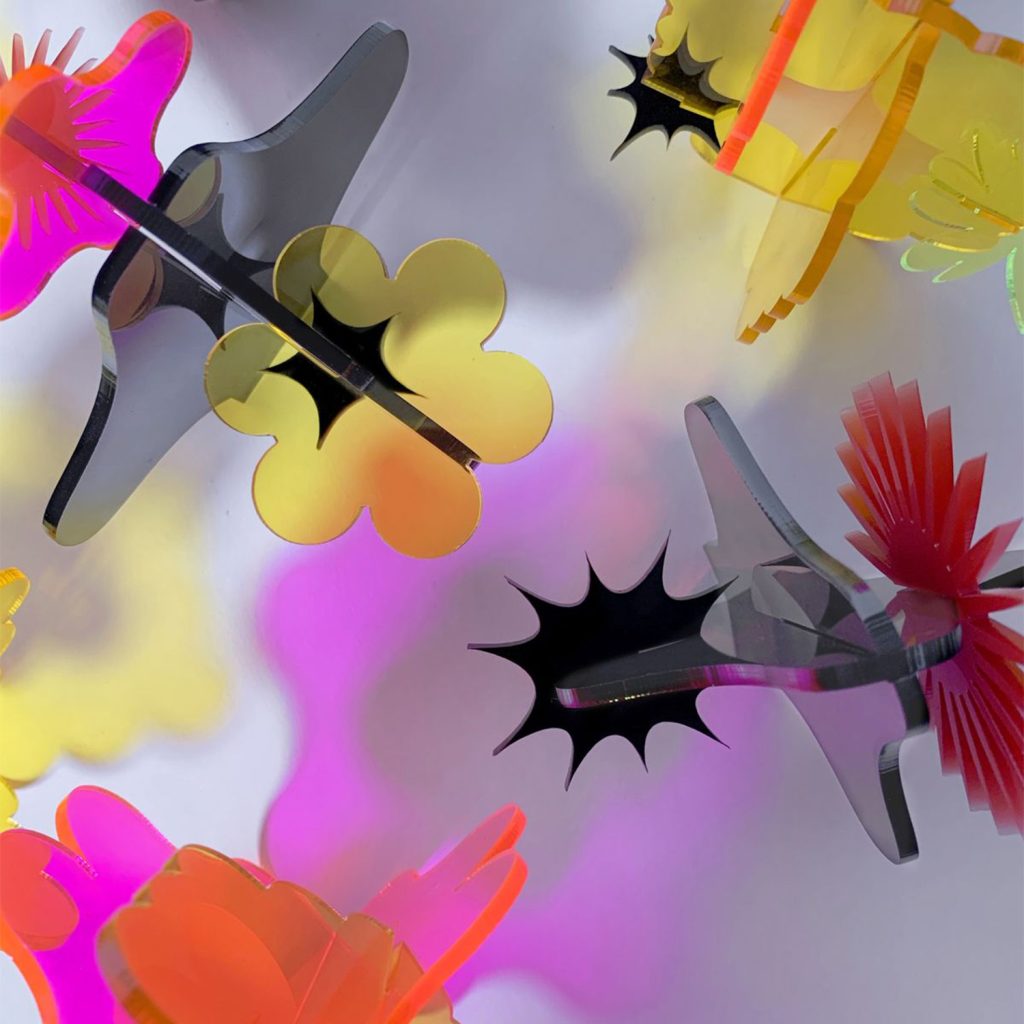
The 2513 GH UV inkjet digital printer has the capability to meet a wide range of applications, from signage and interior decoration to object personalization.
Its integrated flatbed allows for marking large-format media.
It produces durable prints on a wide range of materials, with high speed and high precision.
The results are sharp and well-defined, with excellent color management and fine detail.
Number of colours:
Une couleur
Multicouleurs
Shape:
Forme relativement plane
Forme cylindrique
Quantity:
Single
Series
Materials:
Discover...
Technical sheet
One of the greatest strengths of the UV2513GH lies in its 2500 x 1300 mm print format and a height capacity of up to 450 mm.
It is capable of printing on objects of varying thicknesses. This offers great flexibility, allowing for printing on both thin and thicker items, such as signs, embossed plates, or bulky objects.
For your industrial applications, it is possible to customize the machine with options: increased print height, more print heads for greater speed, a rotary tool for cylindrical printing, and a CCD camera for part registration.
Features:
Work surface
2500*1300 mm
Maximum printing thickness
150 mm / Option 200 mm or 450 mm
Print heads
4 to 8 Ricoh GH2220 print heads depending on configuration
Printing types
White – Color – Varnish
Printing configurations
CMYK CMYK (2 x process colors)
CMYK + WWWW (process colors + White)
CMYK + WW + Varnish Varnish (process colors + White + Varnish)
Printing technology
Piezoelectric
Resolutions
720*600 dpi – 720*900 dpi – 720*1200 dpi – 720*1800 dpi – 720*2400 dpi
Lamp technology
Water-cooled dual UV LED lamp
Inks
Semi-flexible UV
Included software
Riprint
Interface
USB 2.0
Operating system
Windows
Accepted graphic formats
TIFF – JPG – EPS – PDF – PNG – AI – PSD
Compatible software
CorelDRAW – Photoshop – AutoCAD – Inkscape or any software capable of exporting to supported file formats
Machine dimensions
4120*2160*1500 mm
Maximum weight on the printing table
250 Kg evenly distributed across the surface
Power supply
230 V – 50/60 Hz – 2000 W
Environment
Temperature 20-25 °C
Humidity 35-80 % non-condensing
Options
– Rotary tool
– Height
– Varnish
– CCD camera
– Anti-static bar
Accessories available with this product
Examples of applications using this product
Find out what this product can be used for.

Goodies & Promotional items

Automotive, Military & Aeronautics

Healthcare, Medical & Laboratory

Pets

Art, Craft & Creation

Communication & Signage

Knives & Weapons

Funeral & Tribute

Industry, Tools & Metalworking

Home & Decoration

Wedding & Events

Nature, Sport & Leisure

Optics & Eyewear
Security, Access & Identification

Textile, Fashion & Accessories
FAQ on UV 2513 GH
What are the advantages of UV printing?
The main advantages of UV printing:
- Versatility of Substrates: works on plastic, metal, wood, glass, paper…
- Instant Drying: the ink hardens immediately under UV light, reducing smudges and allowing for quick use.
- Quality and Precision: excellent definition, fine details, and vibrant colors.
- Possible Special Effects: varnish, embossing, textures, or translucent inks.
- Environmental Friendliness: inks are often solvent-free and have low VOC emissions.
- Direct Printing: no need for intermediate films or plates, even for small runs.
- Production Flexibility: UV printing allows for both single-unit printing and the production of small or large series, without additional costs for intermediate plates or films.
How to perform UV printing?
The 4-step UV printing process:
- Setup/Alignment: Placing objects on the plate. Using custom jigs allows for precise positioning of multiple pieces for serial production.
- File Preparation: The visual (created in Photoshop, Illustrator, etc.) is processed by RIP software, which refines color management, resolution, and print data formatting.
- Configuration and Launch: After adjusting the pattern, the file is sent to the machine. The machine automatically adapts its settings to the thickness of the piece.
- Immediate Finishing: As the ink polymerizes instantly, products are ready immediately after exiting the machine and can be handled without interrupting the printing cycle.
What are the limitations of UV printing?
The main limitations of UV printing:
r
r
- r
- Limited Substrate : although versatile, certain very flexible, very rough, or porous materials can pose problems.
- Layer Thickness : the UV ink layer remains thin, which can limit coverage or the relief effect.
- Variable Durability : scratch or chemical resistance can sometimes be lower than that of other processes (except for specialized inks).
- Cost : UV equipment and inks are more expensive than traditional printing (inkjet or screen printing).
- Print Speed : for very large series, production can be slower than with conventional processes.
- Odor and Safety : some UV inks require ventilation or precautions, especially for industrial applications.
- Substrate Preparation : certain materials require prior application of an adhesion primer (primer) to ensure good adhesion and print durability.
- Relief Constraints : substrates with significant reliefs, pronounced hollows, or irregular surfaces can limit print quality and marking precision.
t
r
t
r
t
r
t
r
t
r
t
r
t
r
t
r
What substrates can be UV printed?
The great strength of this process is that it can be applied to a very wide variety of substrates, whether rigid or flexible, transparent or opaque.
• Plastics: acrylic, PVC, polycarbonate, ABS, PETG…
• Wood and MDF: raw or varnished panels, wood veneer…
• Metals: aluminum, steel, stainless steel, brass (with prior application of an adhesion primer)
• Glass and Ceramics: bottles, jars, plates, tiles
• Plastic Films: polypropylene, PET
• Cylindrical Objects: thanks to the rotary attachment option, it is possible to print directly on bottles, water bottles, mugs, tubes, vials, and other cylindrically shaped objects.
What are the UV printing speeds and costs?
Productivity and Profitability: What You Need to Know:
- Custom Production Rate: printing time varies depending on the resolution, visual size, and pattern (empty areas are automatically ignored).
- Cost Control: our RIP software precisely calculates the amount of ink and the cost of each print.
-
UV Speed: variable depending on the substrate and level of detail, ranging from slow production for complex markings to a sustained pace for simple prints.
- Cost per m²: generally higher than solvent, variable depending on the options chosen (white ink printing, varnish application, etc.).
- Cylindrical Objects: UV printing allows direct marking of cylindrical objects using the rotary tool; however, the production rate may be slightly reduced when using this option.
- Profitability: ideal for small and medium series with high-quality and durable results.
THERMOFLAN advantages
Over 60 years of experience
Permanent stock
Best quality/price ratio
Technical availability
Demandez conseil à nos experts
Comment pouvons-nous vous aider ?